Skip to content

Firmware

Co-Developing an App Store App and Bare-Metal RP2350 Firmware with a Shared Swift Core and STL-Backed Digital Twin

Waiting for PCB fabrication and 3D-printed enclosures usually creates a painful bottleneck in hardware startups: firmware engineers wait for boards to arrive, while app developers build UI mockups that drift away from the physical device.

To build StackCalc—a kid-friendly, exam-legal RPN scientific and educational calculator that grows with learners from StackCalc 6 (Common Core K–6) to StackCalc 32 (AP Calculus and engineering)—we architected our software and mechanical CAD pipelines so the iOS/iPadOS/watchOS App Store app and our bare-metal Raspberry Pi RP2350 firmware share a single Swift codebase (RPNCore) and co-develop against an STL-backed Digital Twin.
Fuzzing the Firmware Path in an RP2350 Emulator

The StackCalc calculator board is not assembled yet, but the firmware path is already rich enough to break in interesting ways. A random input sequence can cross number entry, ENTER, stack lift, shifts, menus, modes, clear, correction, and display updates in combinations that a hand-written demo never reaches.

We use the RP2350 emulator to run the firmware image and fuzz those combinations through its keypad contract. That is firmware-emulation evidence, not evidence of a physical switch matrix or display.

One Calculator Core for Watch, Phone, and RP2350

A calculator can look consistent across devices while disagreeing at exactly the moments that teach people how RPN works: ENTER, stack lift, an error state, a program step, or an unfinished number. We did not want the Watch, iPhone, and eventual handheld to agree only on the happy path. StackCalc has one calculator core so a named key sequence has one meaning before any surface decides how to draw it.

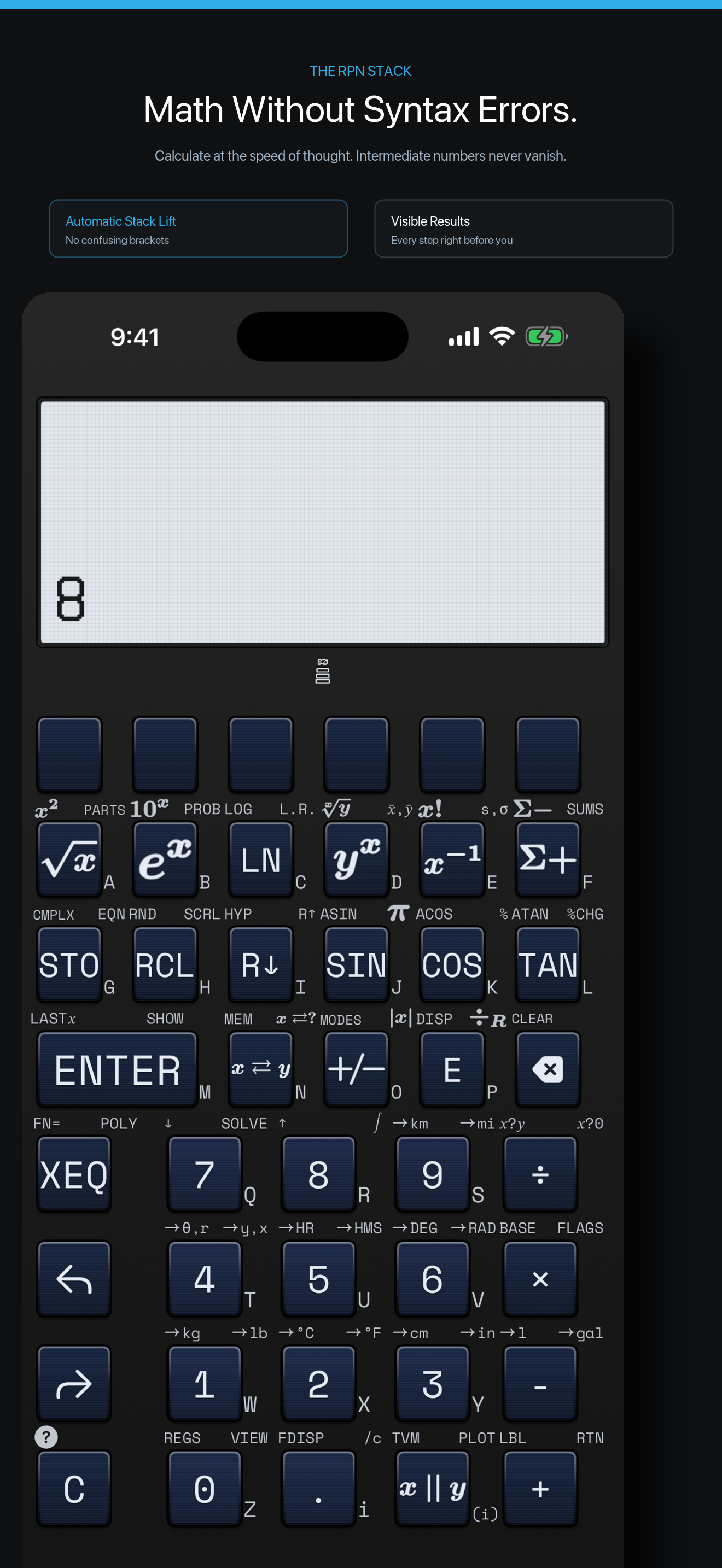
The iPhone app exposes the same RPN stack that the firmware-facing path renders into a compact display.