Fuzzing the Firmware Path in an RP2350 Emulator
The StackCalc calculator board is not assembled yet, but the firmware path is already rich enough to break in interesting ways. A random input sequence can cross number entry, ENTER, stack lift, shifts, menus, modes, clear, correction, and display updates in combinations that a hand-written demo never reaches.
We use the RP2350 emulator to run the firmware image and fuzz those combinations through its keypad contract. That is firmware-emulation evidence, not evidence of a physical switch matrix or display.
Fuzz the same input boundary the board will use
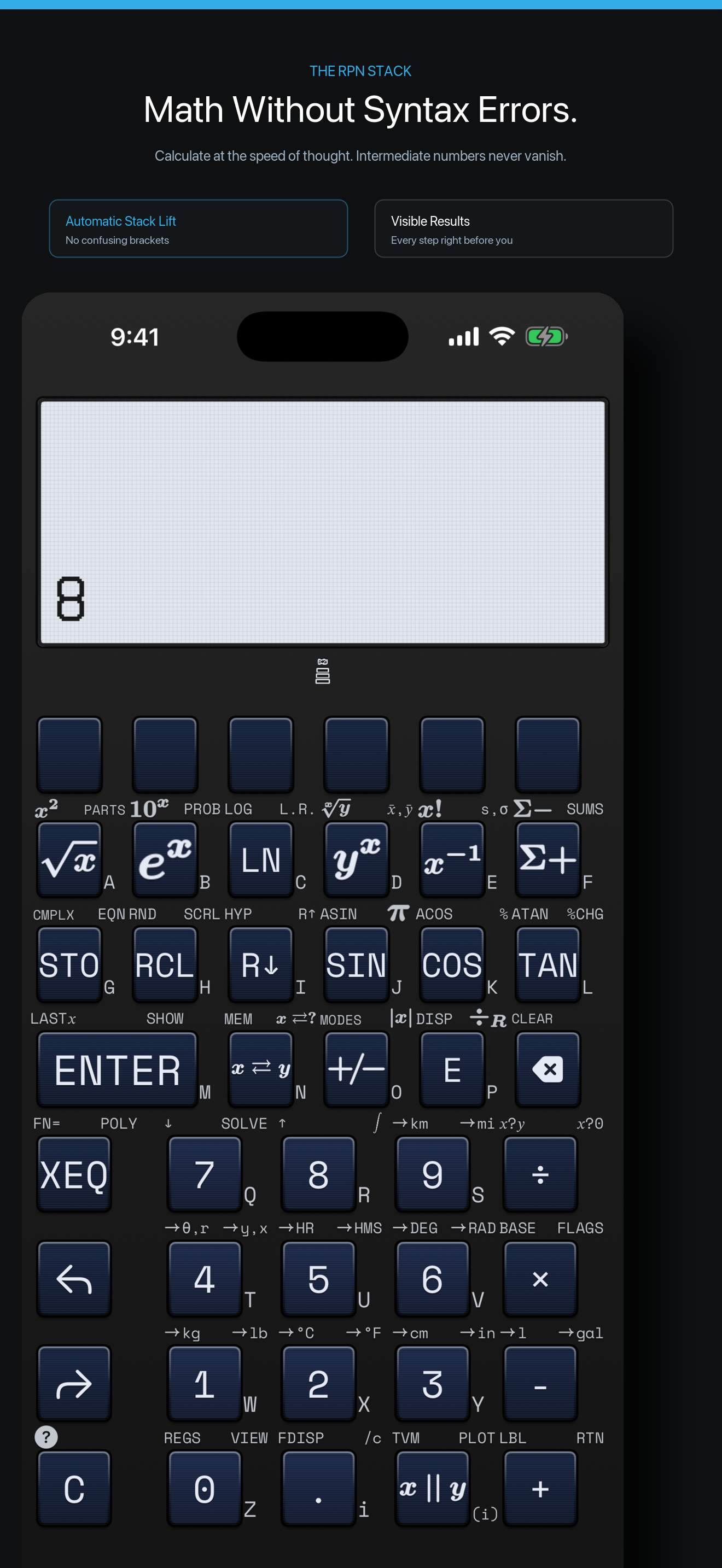
The simulator browser does not invoke calculator commands directly. Its key manifest maps a visible key to a row-and-column contact; the local service injects that contact into the emulated matrix; the firmware’s normal scan path receives it. The resulting calculator state writes the 132 × 65 framebuffer that the browser renders.
The fuzz evaluator builds a catalog from the same reachable operations and physical key map used by the firmware profile. It includes short, named recipes for risky transitions as well as generated sequences. This is a useful testing shape because a failure has a path to diagnosis: is the problem in the operation mapping, matrix injection, firmware state transition, or rendered frame?
Let an LLM broaden the questions, not decide correctness
We also use LLMs to propose awkward state combinations and questions that are easy to omit from a conventional test plan: correction after a mode change, a shift followed by a number, a stack operation after an interrupted entry, or an unusual sequence through a menu. Those proposals become explicit, reproducible sequences. The reference calculator state and the emulator output remain the things we inspect; an LLM is not the test oracle.
What this establishes
The emulator can exercise the compiled firmware’s matrix, calculator, persistence, rendering, and diagnostic seams together. It can expose a key-map mismatch or a sequence that leaves the modeled calculator in an unexpected state. It cannot measure a real switch’s bounce, electrical pull-ups, LCD contrast, current draw, or a physical keypress. Those become board-level tests when the fabricated PCB is assembled.
The PCB is nevertheless part of this work: its key and display interfaces inform both the firmware contract and the mechanical layout. The source and current simulator overview are on the StackCalc firmware page.
Keep the failure as a recipe
A useful fuzz result is not a large number of random presses. It is a short sequence that another person can replay. Our runner begins with a physical-key catalog generated from the shared key map, asks the RPNCore oracle for the expected state, then sends mapped contacts to the firmware emulator and comparable requests to the app surfaces.
expected = core.evaluate(sequence)
actual   = firmware.run(mappedContacts(sequence))
keep sequence when expected != actual
The real detail is in the sequence vocabulary. We deliberately include partial entries, ENTER, shift state, error dismissal, prompts, program operations, fractions, complex values, and numeric limits. Those are the places where a calculator can look fine after a simple addition but still lose its state contract.
The fuzzer can also drive the visible app and firmware simulators, which makes a retained case a debugging artifact rather than an opaque test log. A person can watch the same recipe travel through the screen and matrix path, then decide whether the mismatch belongs in a renderer, a key map, or the engine.
We will run the saved recipes against the populated RP2350 board after bring-up. Until then, the firmware article explains the emulator path and the Learning Lab provides physical ways to teach the same stack transitions.