One Calculator Core for Watch, Phone, and RP2350
A calculator can look consistent across devices while disagreeing at exactly the moments that teach people how RPN works: ENTER, stack lift, an error state, a program step, or an unfinished number. We did not want the Watch, iPhone, and eventual handheld to agree only on the happy path. StackCalc has one calculator core so a named key sequence has one meaning before any surface decides how to draw it.
Keep the calculator separate from the surface
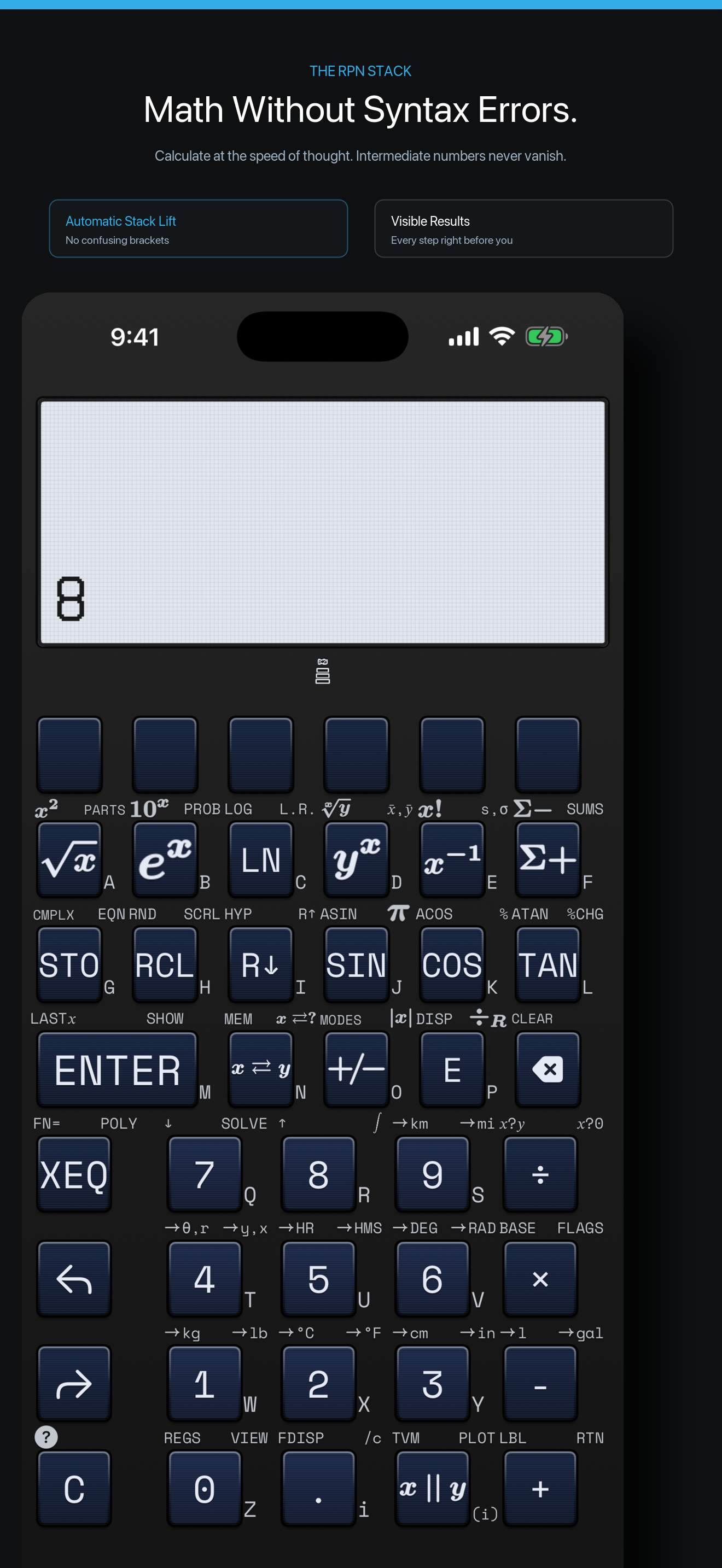
The shared Swift package owns calculator state: the four stack registers, entry buffer, program state, parsing, display data, and operation semantics. A Watch tap, an iPhone button, and a firmware matrix contact are each translated into a typed key event. The core applies that event and returns the new state; the surface then decides whether that state becomes a large iPhone LCD, a compact Watch screen, or a 132 × 65-pixel firmware frame.
The useful boundary is small enough to explain without publishing the implementation:
The important part is the division of responsibility. The input layer may know where a key lives; it does not decide what ENTER means. The renderer may choose a type size or bitmap font; it does not decide whether the stack lifted. That prevents a familiar failure mode in multi-surface calculator work: a display fix quietly becoming a second calculator engine.
Make a key path inspectable
The RP2350 browser simulator follows the same split. It generates its keypad from the shared firmware key map, writes a row-and-column contact into emulator memory, steps the compiled firmware image, and reads the framebuffer back. A browser click is therefore not a mock calculator button. It travels through the matrix contract that the real board will use, then returns pixels produced by the firmware.
That makes a small investigation repeatable. Send 3, ENTER, 4, and + through the Watch, phone, core, and firmware path. Compare the stack transition and rendered result after each key. If one target disagrees, the sequence is short enough to replay and narrow down whether the difference belongs in key routing, engine state, or rendering.
The same boundary also made fuzzing useful. A campaign can generate a candidate recipe, ask the core for the expected result, send the mapped keys to the app and firmware emulator, and preserve the sequence whenever a target diverges. The point is not that every target must share pixels. The point is that they share calculator behavior while each keeps its own appropriate presentation.
Why this matters for an educational calculator
RPN is easier to learn when the state is predictable. A learner can move from a stack tile to the Watch, then to the physical keys, without being asked to memorize three incompatible versions of ENTER. The Learning Lab makes the state tangible; the app makes it portable; the handheld gives it a dedicated instrument. The core is the thread that keeps those objects honest.
The public Learning Lab has the printable STL plates and teacher PDFs. The live companion app is available on the App Store. The RP2350 board design is in fabrication, while the firmware already runs through the emulator path described here. We are keeping implementation source private; the published material focuses on the parts, lessons, artifacts, and behavior that people can inspect and reproduce.
The next useful comparison is the first board bring-up: run the same saved key recipes against the populated board, then compare display state, matrix behavior, and timing with the emulator record. That is how a shared core becomes more than an architecture diagram—it becomes a practical way to find a mismatch before a person encounters it.