Teaching Fractions as an RPN Sequence
Fractions create two useful RPN questions: what quantity does a numerator and denominator represent, and what sequence turns those quantities into a result? The Learning Lab fraction studio keeps those questions side by side instead of asking a learner to jump straight to a symbolic entry.
Proportional blocks make the first question observable
Every fraction block has a 24 × 24 mm footprint. A whole is 96 mm high; halves, thirds, quarters, sixths, and eighths are 96 divided by their denominator. Equal-height towers therefore show equivalent quantities on a shared floor.
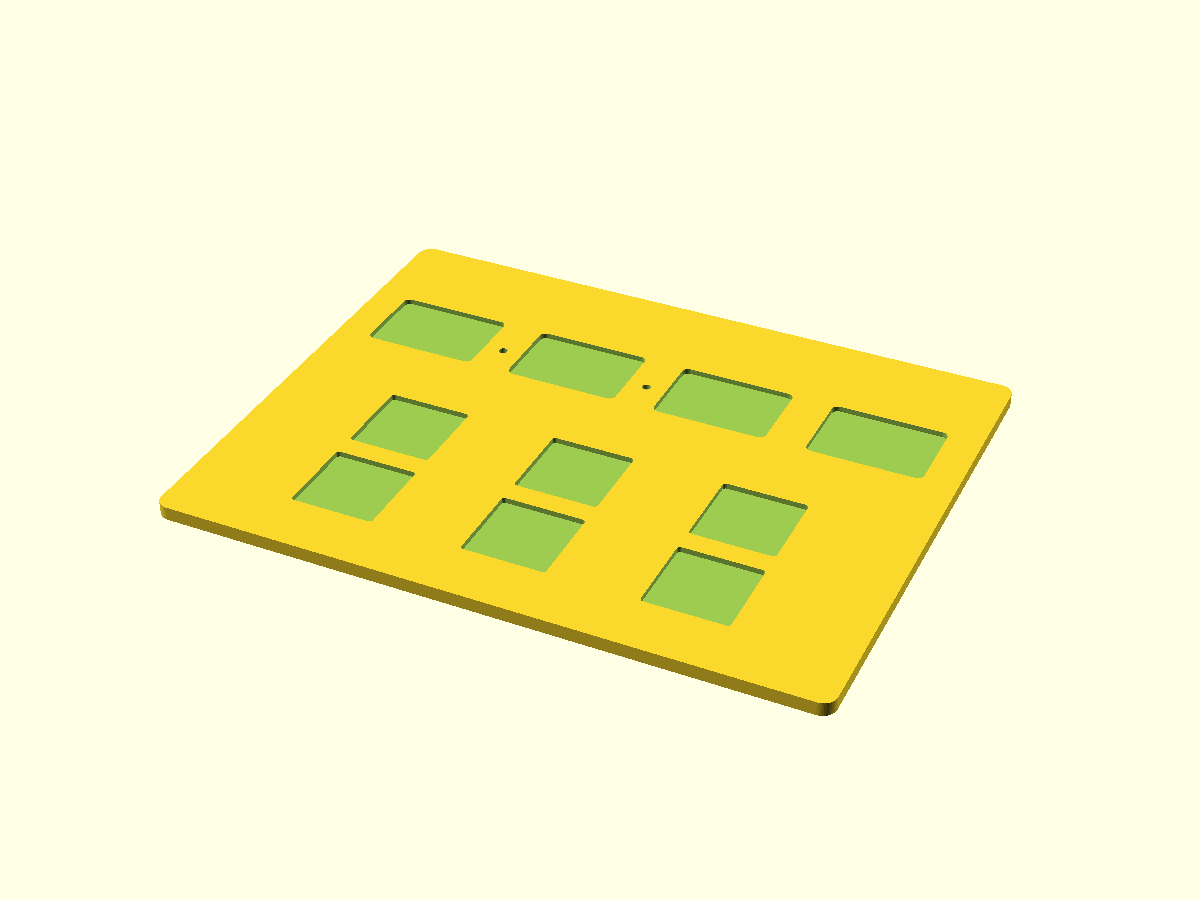
The tray has six 24.6 × 24.6 mm sockets. That clearance is an adjustable prototype choice, not a universal printer tolerance. The blocks are flat faced and have no raised text or connector that changes their height relationship.
Translate the model, then calculate
For a fraction such as three quarters, arrange the physical quantity first. Then say the calculator sequence aloud: 3 ENTER 4 /. For addition, build two quantities, predict their relationship, enter both fractions, and use + only after the values are on the stack.
The physical blocks make the intermediate operands discussable before the operator is pressed.
Take it from the tray to the calculator
The fraction plate, printable cards, and teacher booklet give a teacher a repeatable starting activity: build a quantity, name its numerator and denominator, predict the stack entry, then key the sequence. The next round of use will refine print fit, engraving, and the language used in the activity.
Make the denominator a dimension
The fraction pieces were designed so their geometry carries the arithmetic. Every block shares a 24 × 24 mm footprint; the height is 96 mm divided by the denominator. Two halves, three thirds, four quarters, six sixths, and eight eighths all build to the same whole height. The six-pocket tray uses 24.6 mm pockets so printed pieces have room to seat without treating FDM tolerance as an afterthought.
Start with a visible quantity. Build three quarters, ask what number names the count and what number names the partition, then enter 3 ENTER 4 /. The sequence has an explanation before it becomes a calculator habit. For an addition exercise, build both quantities, name the result each one represents, and only then place the results on the RPN stack.
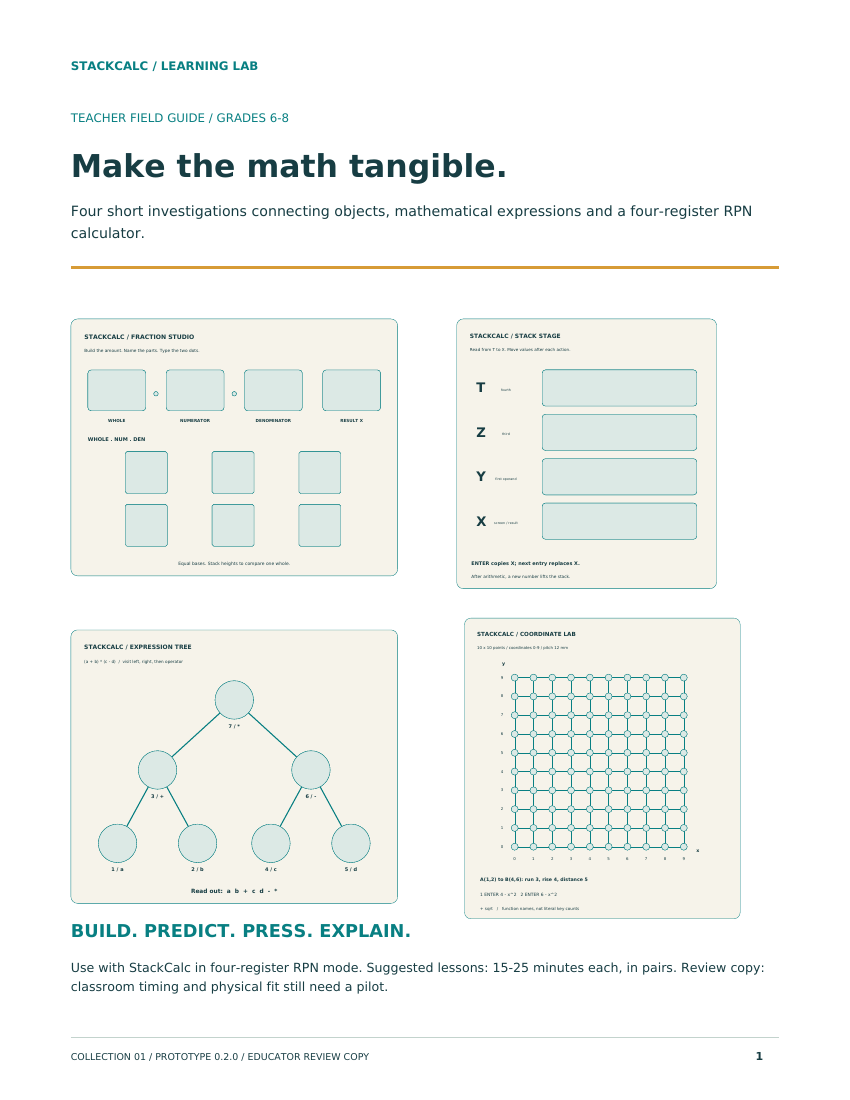
The printable parts, reference cards, and teacher booklet are in the Learning Lab release. The same stack sequence appears in the app and in the forthcoming handheld, so the blocks are not a separate math toy: they are a slower, inspectable version of the calculation a learner will later key in.
Print a small set and rotate roles
A complete class set is not required to begin. One tray can support a small group if one learner builds the quantity, one names the numerator and denominator, one predicts the stack, and one enters the sequence on the app. Rotating those roles makes the relationship between physical fraction, spoken explanation, and RPN entry explicit.
Record what the learner predicts
A useful worksheet has three short fields: the tower built, the fraction it represents, and the exact stack sequence to enter. The group should agree on the first two before touching the app. If the numerical result is wrong, return to the physical model and identify whether the error began with the quantity, the numerator/denominator language, or the RPN operation order. That makes a wrong answer diagnostic rather than merely incorrect, and gives a teacher a repeatable way to compare activities across a class.